



Spinaluna App: Mobile Casino Gaming
The Spinaluna app gives you full access to the mobile casino right on your phone. Through the app, you can easily play any game from our library. All game features are available in an improved mobile interface. You can enjoy fast access and play wherever you are.



Spinaluna Mobile Platform
The Spina Luna app has full platform functionality in a mobile format. Our mobile software has all the same features as a casino, but it’s easier to use. The big plus with the app is portability, so you can play anywhere. The Spinaluna software replicates all the features of the website version. The main advantage over playing on a PC or in a browser is that you can get to it from anywhere. Plus, you actually get notifications from the Spinaluna Casino. There is no need to keep checking manually. The PC version benefits from a larger screen, while the mobile app is focused on speed and touch interaction.
| Feature | Mobile Casino App | Desktop/PC Version |
| Accessibility | Play from almost anywhere using a smartphone or tablet | Tied to a computer |
| Controls | Optimized for touch gestures and mobile navigation | Uses mouse and keyboard controls |
| Notifications | Supports push notifications and instant updates | Limited to browser or website notifications |
| Account Synchronisation | Same account and progress across all devices | Connected to the same player profile |
| Screen Experience | Compact layout adapted for smaller screens | Wider interface with more visible details |
| Session Start Speed | Quick one-tap access after setup | Requires browser loading and manual login |
Spinaluna Casino Mobile App for Android
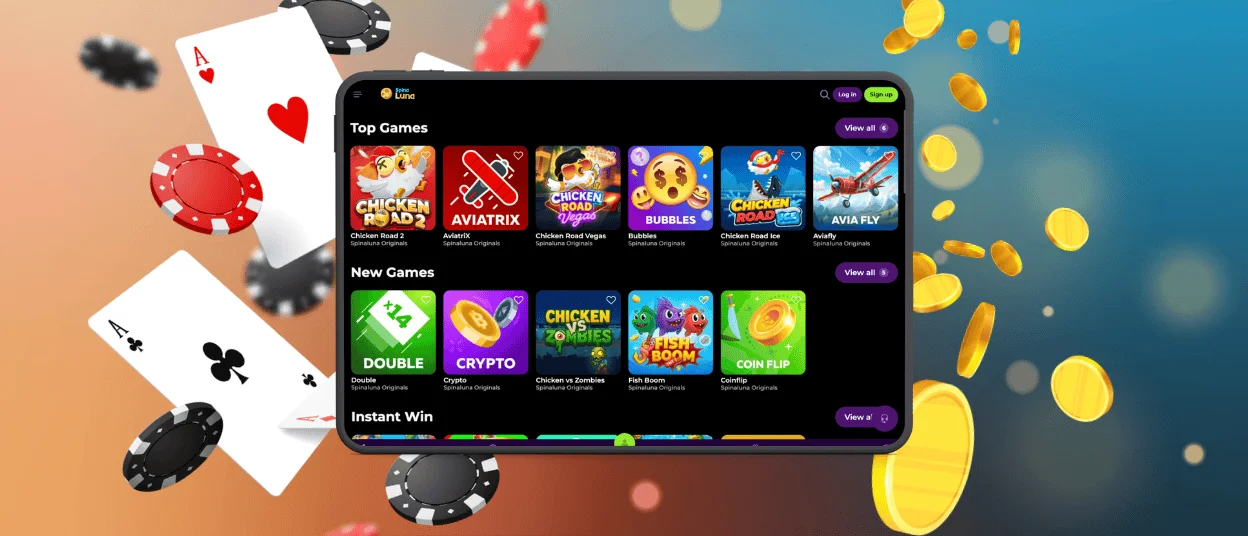
Our app is available for all Android devices. The Spinaluna app supports all types of games from our library, payments, account management, and more. It is made for easier use on all Android smartphones and tablets. Players receive system notifications about all updates at Spinaluna Casino. We created a special web solution for Androids that works through the browser and doesn’t need manual updates. It always delivers the latest version of the platform.
APK for Android Users
There is no need to download the Spinalina APK file. You don’t have to go to an app store. It’s easy and quick to install from our site. You just install it straight from our website. This method avoids third-party APK files and keeps everything safe. We have optimized the application to a lighter and more accessible PWA file.
PWA Version
Our mobile software for Android is available as a progressive web app (PWA). This solution installs quickly, takes up minimal space, updates automatically, and supports instant access from the home screen with full platform functionality. The PWA is suitable for any Android device. Use the menu and add it to your home screen. The icon gives you quick access to Spinaluna Casino.
Spinaluna Casino Mobile App for iOS
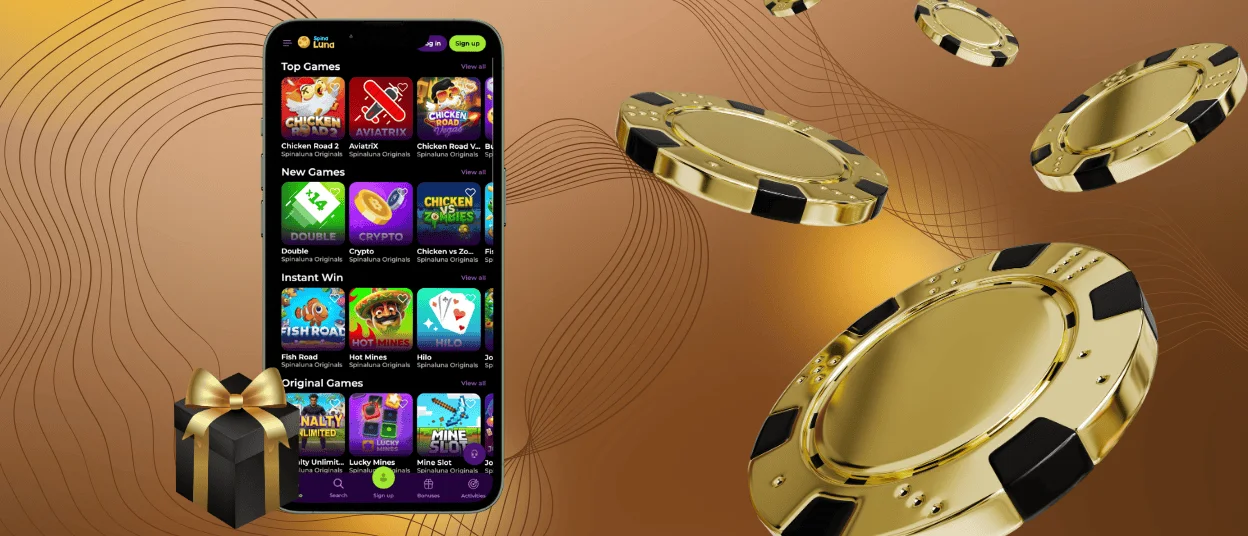
On iPhone and iPad, the Spina Luna app works through Safari. The platform is optimized for iOS devices. You don’t need to download anything from the App Store or install large files. The iOS version supports notifications for all platform updates. Spinaluna Casino opens without extra browser elements, which makes navigation cleaner and faster. This format supports fast loading and a stable gaming experience.
How to install our software on iOS:
- To begin with, you should open the Spina Luna Casino website in Safari.
- Next, you need to click the “Share” icon in the browser menu.
- After that, you are supposed to choose “Add to Home Screen” and confirm the action to create a shortcut.
A special icon is added to the home screen for quick access with a single tap.
Windows & macOS App Downloads
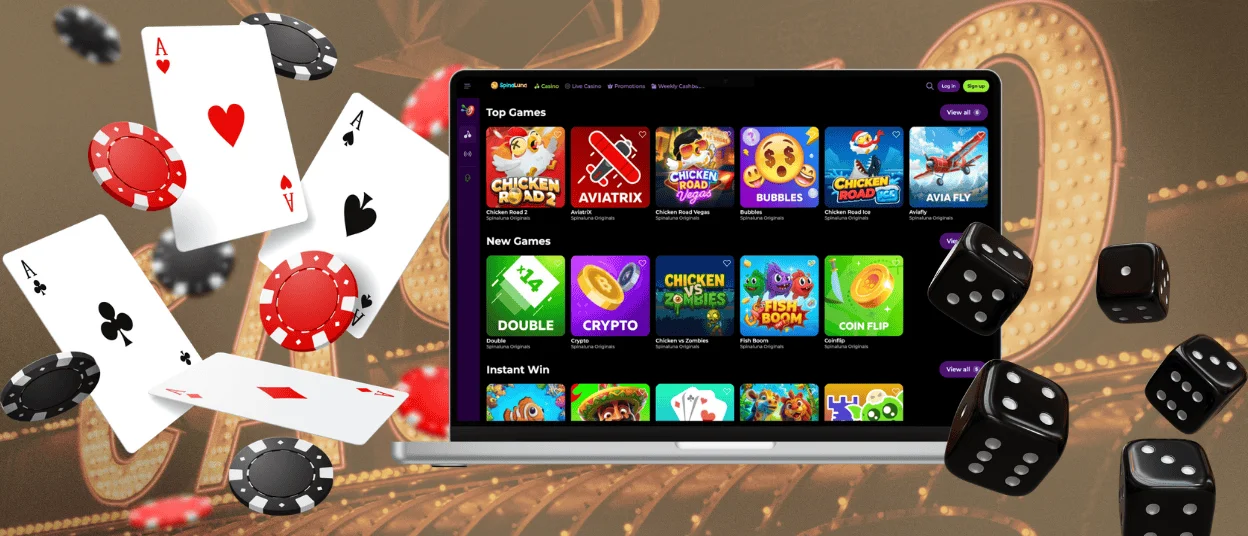
Mobile access is convenient, but a desktop has its own advantages. Spinaluna Casino is easy to open from a PC or Mac and does not require any complicated installation. Our platform works in all major browsers, including Google Chrome and Safari. Users can open the platform without installation—simply in a browser. Also, players can create a shortcut for Spina Luna as a separate application. This shortcut works as a standalone web app with access to all games, payments, promotions, and account features. The desktop version is fully optimized for large screens and runs with high-quality graphics and streaming. Players make shortcuts on their desktops that let them access the site with just one click.
FAQ
Is live chat available around the clock in the mobile version?
Yes, the Spinaluna mobile version gives you full access to customer support anytime. You can reach our multilingual support team via live chat right inside the app or browser, or email us. The support service operates 24/7 and can assist with account issues, payments, bonuses, the verification process, technical questions, and general platform information.
Can I make deposits and withdrawals through the app?
Yes, the Spinaluna app handles deposits and withdrawals just like the desktop version. All the same payment methods are here—cards, e-wallets, bank transfers, and crypto. The payment system does not differ from the website version. You can manage everything right from your phone.
Are all games available in the app?
Yes, the whole Spinaluna library is in the app. Players can access more than 6,000 games: online slots, live casino titles, table games, jackpots, and instant win releases. The mobile platform is optimized for smartphones and tablets, so you get the same experience, same performance, same features as on a desktop.


